


Northform Studio
An editorial WordPress theme for design studios, branding agencies and creative teams.
About
Work people remember.
Northform Studio is a WordPress theme for design studios, branding agencies and creative teams who want their site to feel as considered as their work. Its editorial look (large serif headlines, warm neutrals, generous imagery and smooth motion) puts your projects first, while potential clients can brief you on a project in a few clicks.
Every page is built with Elementor, so you can change text, images, colours and layouts visually without touching code. A one-click demo import makes your site look exactly like the demo in minutes.
Everything a studio site needs
- Portfolio with filters: show your projects in a masonry grid that visitors filter by discipline (branding, web, product, motion) in one click.
- Case study pages: each project has a client, year, role, summary, cover image, challenge, solution and results.
- Services: present your disciplines with their deliverables, and three ways to work with you (a sprint, a full studio engagement or an ongoing partnership) with prices.
- Testimonials slider: client quotes that move on by themselves, with arrows and dots. Edit and add quotes in Elementor.
- Studio in numbers: counters that count up as they come into view (projects, years, awards, clients).
- Process: a clear four-step "how we work" timeline.
- About & team: your story, values, team portraits and a studio timeline.
- Journal: a blog with a featured article, topic filters and article pages.
- Careers: studio culture, open roles and an application form.
- Contact: a project brief form with project type and budget, plus your studio addresses.
- FAQ, privacy & terms: a services FAQ and sample legal pages to adapt.
Motion that feels designed
The hero headline rises word by word, sections reveal as you scroll, testimonials glide between quotes, project cards show a cursor that follows the pointer, and the phone menu opens smoothly. Motion is switched off for visitors who ask their device for reduced motion.
Built for real-world use
- Form enquiries saved in WordPress: project briefs, job applications and newsletter sign-ups land in your dashboard, with email notifications and spam protection.
- Live data: projects and journal posts are managed as normal WordPress content, and the pages update automatically.
- Accessible & responsive: semantic markup and layouts that work on phones, tablets and desktops.
- Elementor global colours & fonts: rebrand the whole site from Elementor Site Settings.
- Translation-ready, with clean, secure code that follows WordPress coding standards.
Pages included
Home · Work · Project details · Services · About · Journal · Journal article · Careers · Contact · Privacy Policy · Terms
Requirements
- WordPress 6.0 or newer
- PHP 8.0 or newer
- Elementor (free), installed for you by the demo import
Demo content (projects, clients, people, quotes, prices and figures) is sample content for illustration. Replace it with your own work and verified information before launch.
Features
One-click demo import
Install the theme and companion plugin, click Import Demo, and your site looks exactly like the live demo, with pages, images, menus, colours and fonts.
Built with Elementor
Edit every page visually: text, images, colours and layout, including tablet and phone views.
Filterable portfolio
A masonry grid of your projects that visitors filter by discipline in one click.
Case study pages
Client, year, role, cover, challenge, solution and results for every project, managed as normal WordPress content.
Services with pricing
Your disciplines and deliverables, plus three engagement options with prices.
Testimonials slider
Client quotes with arrows, dots and autoplay. Edit and add quotes in Elementor.
Animated counters & process
Studio numbers that count up on scroll and a four-step process timeline.
About & team
Your story, values, team portraits and a studio timeline.
Editorial journal
A blog with a featured article, topic filters and article pages.
Careers
Studio culture, open roles and an application form.
Project brief form
Visitors choose a project type and budget and tell you about their project.
Enquiries in WordPress
Project briefs, job applications and newsletter sign-ups land in your dashboard with email notifications and spam protection.
Designed motion
Word-by-word hero, scroll reveals, gliding testimonials, a project cursor and a smooth phone menu, respecting reduced-motion settings.
Responsive & accessible
Mobile-first layouts and semantic, translation-ready markup.
Frequently asked questions
Is Northform Studio a good fit for a freelancer as well as an agency?
Yes. It works for a solo designer, a small studio or a larger agency. Show one team member or many on the About page.
How do I add my own projects?
Go to Projects → Add New in your dashboard and fill in the title, client, year, role, category, summary, cover image, challenge, solution and results. New projects appear in the portfolio and get their own case study page automatically.
Where do project enquiries and job applications go?
They are saved under Enquiries in your dashboard, and you are notified by email. You choose who receives the emails under Enquiries → Email settings.
Do I need Elementor Pro?
No. Northform Studio works with the free Elementor plugin, which the demo import installs for you.
Can I make my site look exactly like the demo?
Yes. After activating the theme and the Northform Studio Core plugin, go to Appearance → One Click Demo Import. It sets up the pages, images, menus, colours and fonts.
Can I turn off the animations?
Visitors who choose reduced motion on their device see the site without animations automatically. The animations are also paused inside the Elementor editor so you can edit comfortably.
Can I change the fonts and colours?
Yes. Open any page in Elementor and go to Site Settings → Global Colors / Global Fonts to rebrand the whole site.
Is the theme translation-ready?
Yes. All text in the theme and plugin is translation-ready, and page text can be edited directly in Elementor.
Customer reviews
No reviews yet.
Comments
No comments yet. Be the first to share your thoughts.
Customization
Want Northform Studio set up or changed for you? Pick a package, or tell us what you need and we will send a quote.
Request custom work
Log in or create an account to ask for a quote, so we can send it to you.
More wordpress themes
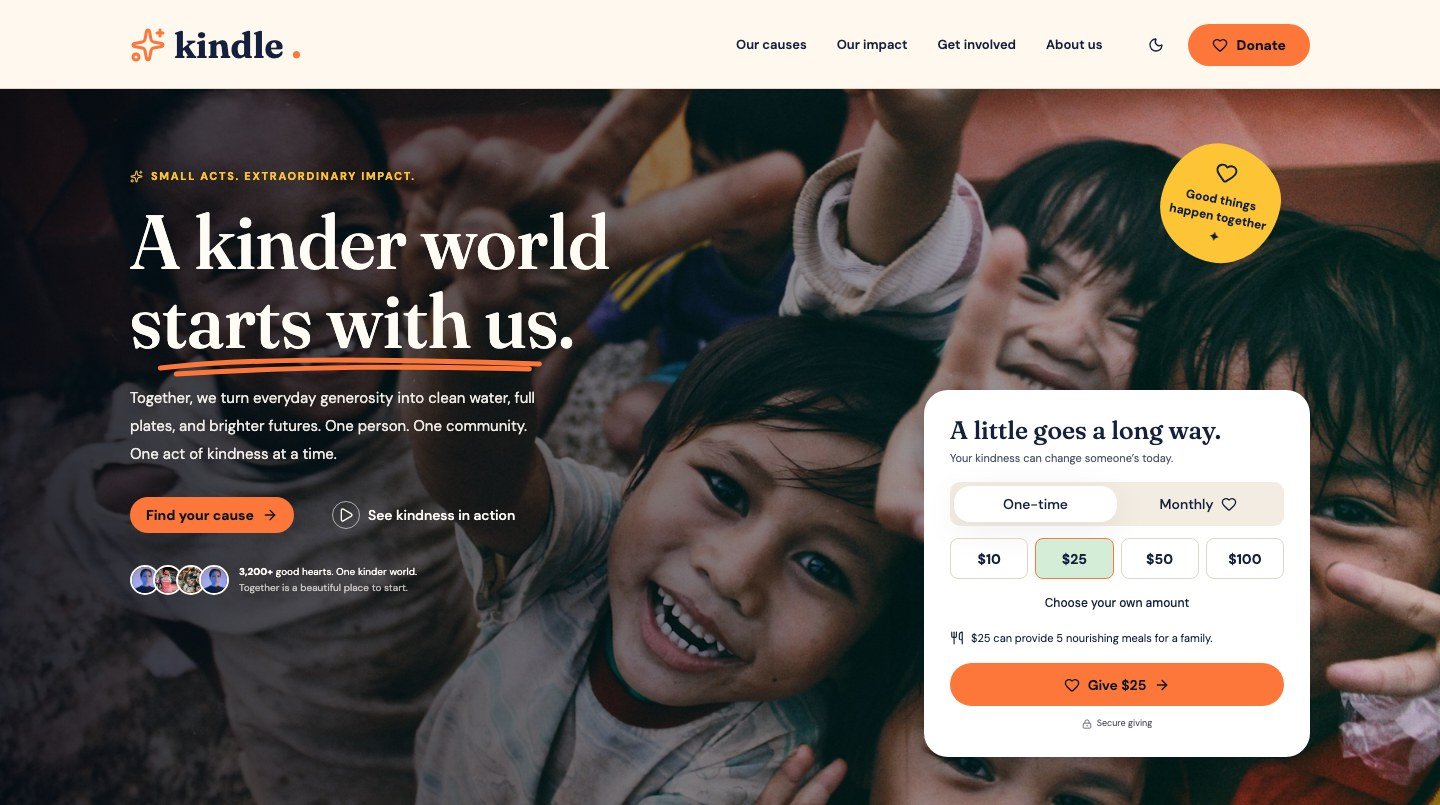
Kindle
From $59A warm, hopeful WordPress theme for charities, nonprofits and community causes.
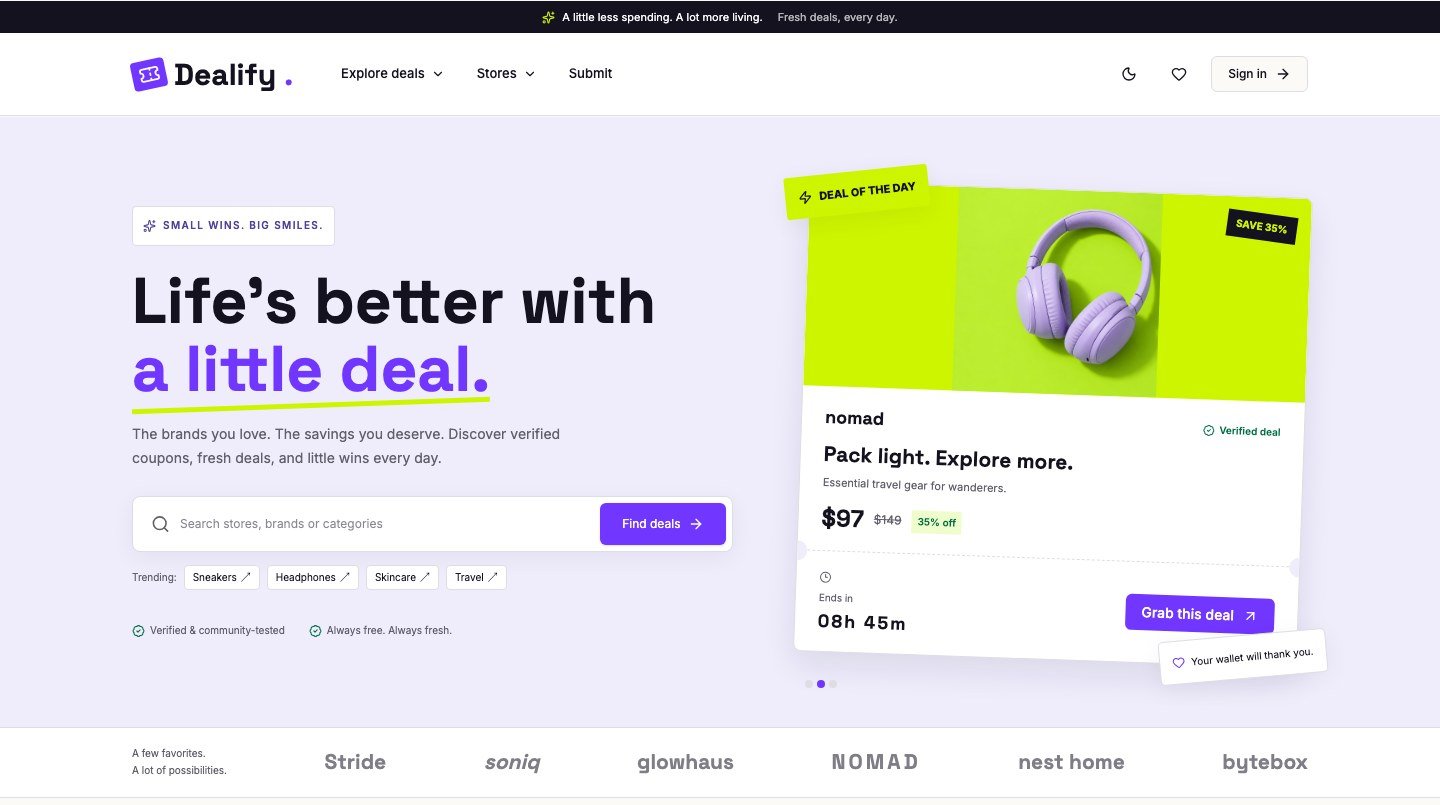
Dealify
From $59A friendly coupon and deals WordPress theme for affiliate and savings sites.
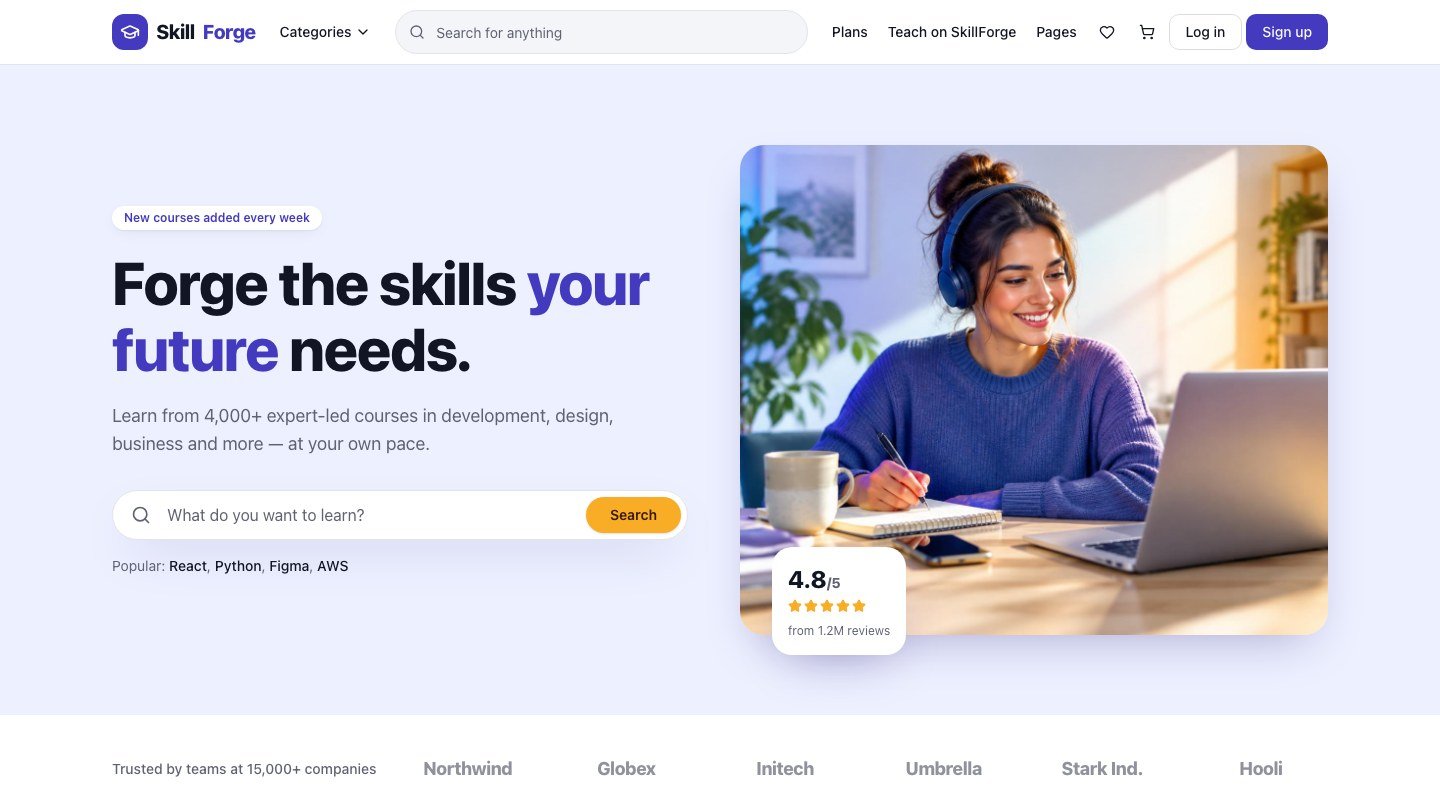
SkillForge
From $69A complete online course and LMS WordPress theme for academies, instructors and course marketplaces.