


Saffron & Sage
A warm restaurant WordPress theme with real online ordering, customer accounts, table reservations and a live kitchen board.
About
Food that tastes like home, only bolder.
Saffron & Sage is a WordPress theme for restaurants, cafés and food delivery kitchens. It is a real ordering site, not a menu brochure: guests choose dishes with their options, pay online, follow their order live and book a table, and your kitchen runs it from one live board.
Every page is built with Elementor, so you can change text, images, colours and layouts visually without touching code. A one-click demo import makes your site look exactly like the demo in minutes.
Everything you need
- Online ordering: tap a dish to choose its size and extras, add it to the bag, then check out for delivery or pickup. Prices, add-ons, taxes and coupon codes are worked out on the server.
- Pay online or on delivery: customers pay by card on Stripe's secure page with your own Stripe keys, or choose cash on delivery (pay at the counter for pickup). They can order for as soon as possible or pick a time.
- Live order status: the kitchen moves each order on in the admin (preparing, ready, on the way, delivered or picked up), and the customer follows it live in their account.
- Customer accounts: customers sign up and sign in to place an order (their cart is kept), and see their orders, table bookings, saved delivery addresses and details.
- Table reservations: guests pick a date, party size and time and send their details. Bookings wait in the admin.
- Menu with filters: dishes by category, with search and diet filters (vegan, vegetarian, gluten-free and spicy). Every dish is a record you keep in the admin.
- Restaurant admin: a live orders board for the kitchen, every order, table bookings and how the restaurant is doing.
- Blog, about and contact: kitchen stories, your team and a contact page with hours, a map and FAQs.
Run the kitchen from one screen
- Live orders: the kitchen's board. Move each order on through preparing, ready, on the way and delivered (or picked up), and the customer sees it live.
- Orders and Reservations: every order and table booking, with its status.
- Overview: how the restaurant is doing.
Pages included
Home, Menu, Cart, checkout and order confirmation, Reservations, About, Blog and blog articles, Contact, My account.
Requirements
WordPress 6.0 or newer, PHP 8.0 or newer and the free Elementor plugin.
Features
One-click demo import
Make your site look exactly like the demo in minutes.
Built with Elementor
Change text, images, colours and layouts visually, with no code.
Online ordering
Dish options and extras, a bag, delivery or pickup, priced on the server.
Stripe, cash or pay at counter
Card payments with your own Stripe keys, or cash on delivery and pay at the counter.
Coupons, add-ons & taxes
Coupon codes, paid extras and taxes worked out for every order.
Live order status
The kitchen moves orders on; customers follow them live.
Customer accounts
Orders, table bookings, saved addresses and details; sign in to order.
Table reservations
Date, party size and time, kept in the admin.
Menu with diet filters
Categories, search and vegan, vegetarian, gluten-free and spicy filters.
Restaurant admin
A live kitchen board, every order, reservations and an overview.
Blog, about & contact
Kitchen stories, your team, hours, map and FAQs.
Form fields, emails & spam protection
Change your forms' fields, the email each one sends and its Google reCAPTCHA spam protection from the admin.
Responsive & accessible
Designed for phones, tablets and desktops, with a smooth phone menu.
Frequently asked questions
Is the ordering real?
Yes. Customers choose dishes with their options, check out for delivery or pickup and pay online with Stripe (your own keys) or with cash on delivery. Each order appears on the Restaurant → Live orders board, and the customer follows its status live.
Do customers need an account to order?
Browsing the menu and filling the bag are open to everyone. Placing an order needs a free account, and the bag is kept while they sign in. Customers then see their orders, bookings and saved addresses.
Can I offer coupon codes?
Yes. Coupon codes take a percentage off the order, and the discount is always worked out on your server.
How do I add a dish?
Add it under Dishes in your dashboard with its name, category, price, picture, description and diet labels. It appears on the menu and its filters straight away.
Do I need to know how to code?
No. Every page is edited visually in Elementor, and orders, reservations and dishes are kept in one admin screen.
Does the demo content come with it?
Yes. The one-click demo import brings in every page, record and setting from the demo.
Which plugins do I need?
Only the free Elementor plugin. Saffron & Sage's companion plugin is included in the download.
Is it translation-ready?
Yes. All of the theme's own text can be translated with any standard WordPress translation plugin.
Customer reviews
No reviews yet.
Comments
No comments yet. Be the first to share your thoughts.
Customization
Want Saffron & Sage set up or changed for you? Pick a package, or tell us what you need and we will send a quote.
Request custom work
Log in or create an account to ask for a quote, so we can send it to you.
More wordpress themes
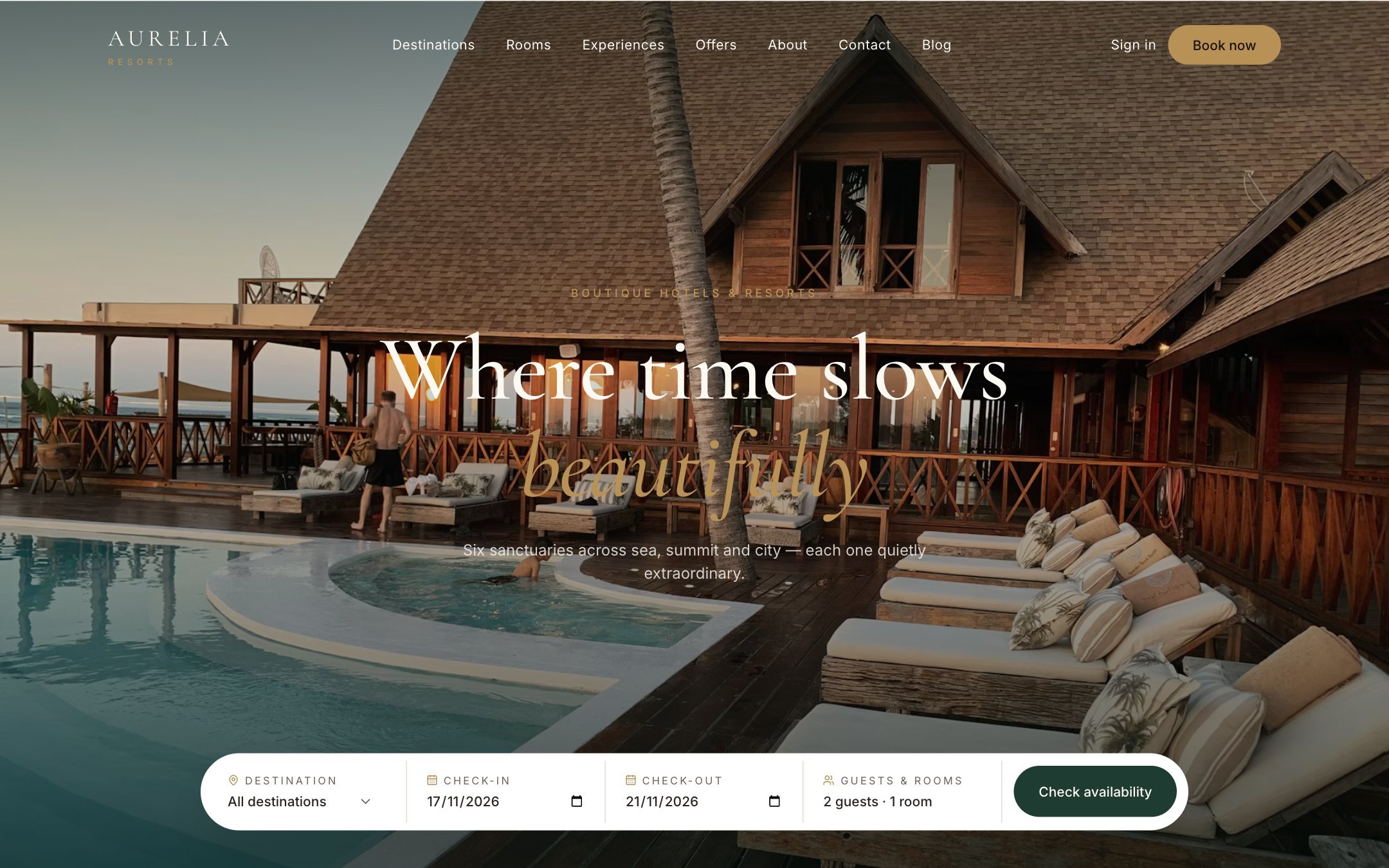
Aurelia
From $59An elegant luxury hotel and resort WordPress theme with room search, property pages and online reservations with Stripe.

Kindle
From $59A warm, hopeful WordPress theme for charities, nonprofits and community causes.
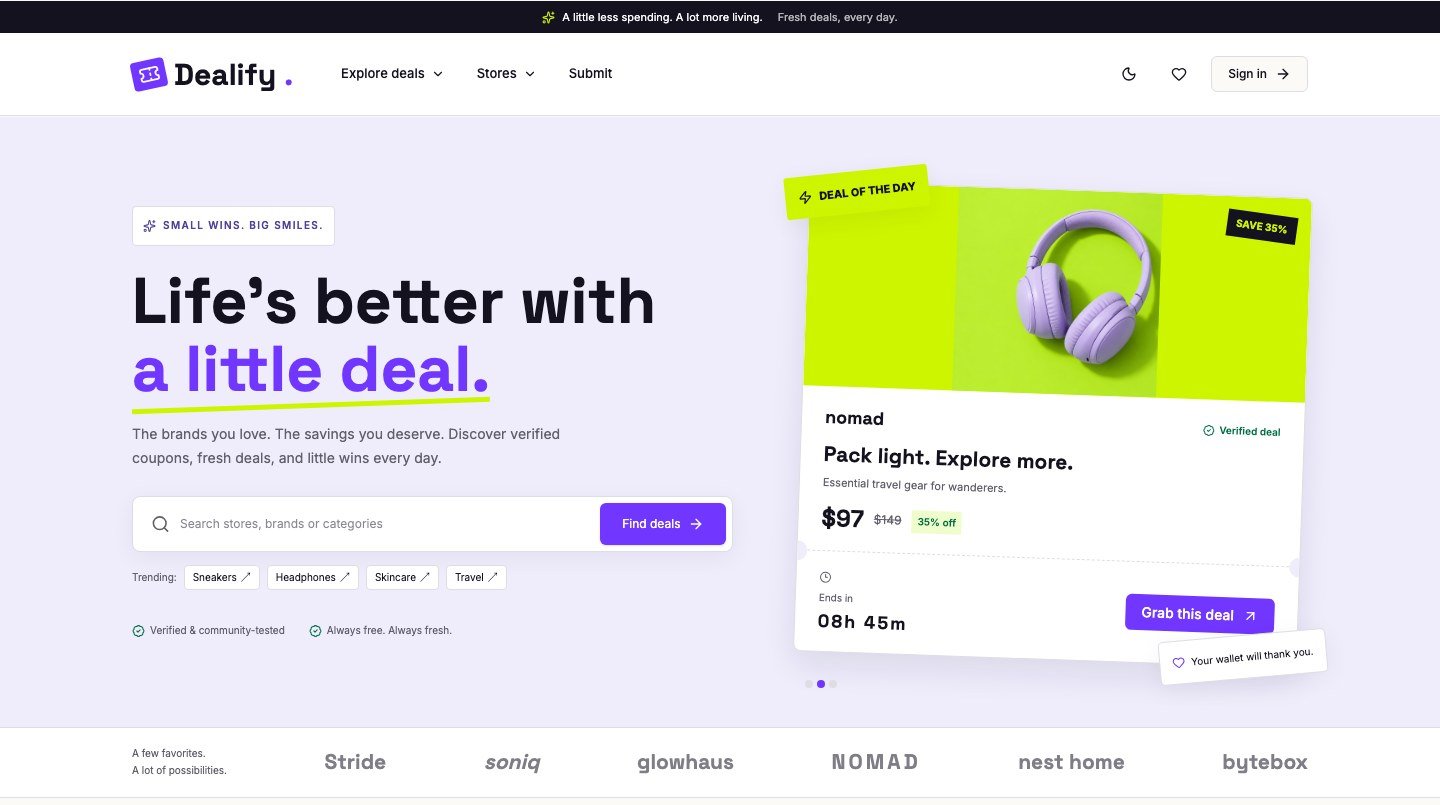
Dealify
From $59A friendly coupon and deals WordPress theme for affiliate and savings sites.