


Ironvale
A bold, confident construction WordPress theme for builders and contractors, with a project portfolio and a 5-step quote estimator.
About
We build what lasts.
Ironvale is a WordPress theme for construction companies, builders, contractors and renovation firms. Its bold type and strong grid say "we get it right", and prospects can see your work, read how you build and request a quote in five quick steps.
Every page is built with Elementor, so you can change text, images, colours and layouts visually without touching code. A one-click demo import makes your site look exactly like the demo in minutes.
Everything you need
- Services from the admin: each service is a record you keep in the Site manager, with its picture, number, description and deliverables. The services page draws one block per service, and the home list and its numbers follow.
- Project portfolio: a filterable grid of projects by category, each with its location, size, duration, budget, the challenge, the outcome, a photo gallery and more work of the same kind.
- Recent projects: the home page shows your first four projects, in the order you set.
- 5-step quote estimator: project type, size, budget range, timeline and contact details. Every step's choices are kept under Site manager → Quote options, and the customer gets a confirmation email.
- Careers: open roles from the admin, with the number of positions counted for you.
- FAQ by service: general questions plus one group of FAQs for each service.
- About, team and awards: your story, values, leadership, safety record and awards. The team and awards are kept in the admin.
- Testimonials and blog: a testimonials page and field notes from your team.
- Site manager (React admin): one modern admin screen for projects, services, quote options, team, testimonials, awards, open roles, blog posts, FAQs and the messages from your forms.
Run the business from one screen
- Site manager: projects, services, team, testimonials, awards, open roles, blog posts and FAQs as cards with their pictures, with search, filters and a form for each.
- Quote options: the choices of each estimator step, one per line.
- Messages: every quote request and contact message, marked New, Replied or Archived.
Pages included
Home, Services, Projects, Project details, Get a quote, About, Careers, Testimonials, FAQ, Blog and blog articles, Contact, Privacy Policy and Terms.
Requirements
WordPress 6.0 or newer, PHP 8.0 or newer and the free Elementor plugin.
Features
One-click demo import
Make your site look exactly like the demo in minutes.
Built with Elementor
Change text, images, colours and layouts visually, with no code.
Services from the admin
The services page draws one block per service, and the home list follows.
Filterable project portfolio
Projects by category with facts, challenge, outcome and gallery.
5-step quote estimator
Type, size, budget, timeline and details, with options you edit in the admin.
Quote confirmation email
Customers get an email confirming their request.
Careers from the admin
Open roles listed and counted from the Site manager.
FAQ by service
General questions and one FAQ group per service.
About, team & awards
Story, values, leadership and safety, with the team and awards from the admin.
Testimonials & blog
A testimonials page and field notes from your team.
Site manager (React admin)
One modern admin screen for projects, services, quote options, team, roles and messages.
Form fields, emails & spam protection
Change your forms' fields, the email each one sends and its Google reCAPTCHA spam protection from the admin.
Responsive & accessible
Designed for phones, tablets and desktops, with a smooth phone menu.
Frequently asked questions
Can I change the quote estimator's choices?
Yes. Under Site manager → Quote options, write the choices for each step (project type, size, budget range and timeline), one per line. The estimator shows them straight away.
Where do quote requests go?
Each request is saved under Site manager → Messages and emailed to you, and the customer gets a confirmation email.
How do I add a project?
Open Site manager → Projects and click Add. Fill in its category, location, size, duration, budget, the challenge, the outcome and its gallery. It appears in the portfolio and its category filter straight away, and on the home page if it is among your first four.
Can I add or remove services?
Yes. Services are records under Site manager → Services. The services page draws one block for each, in your order, and the home page's list follows.
Do I need to know how to code?
No. Every page is edited visually in Elementor, and projects, services and quote options are kept in one admin screen.
Does the demo content come with it?
Yes. The one-click demo import brings in every page, record and setting from the demo.
Which plugins do I need?
Only the free Elementor plugin. Ironvale's companion plugin is included in the download.
Is it translation-ready?
Yes. All of the theme's own text can be translated with any standard WordPress translation plugin.
Customer reviews
No reviews yet.
Comments
No comments yet. Be the first to share your thoughts.
Customization
Want Ironvale set up or changed for you? Pick a package, or tell us what you need and we will send a quote.
Request custom work
Log in or create an account to ask for a quote, so we can send it to you.
More wordpress themes
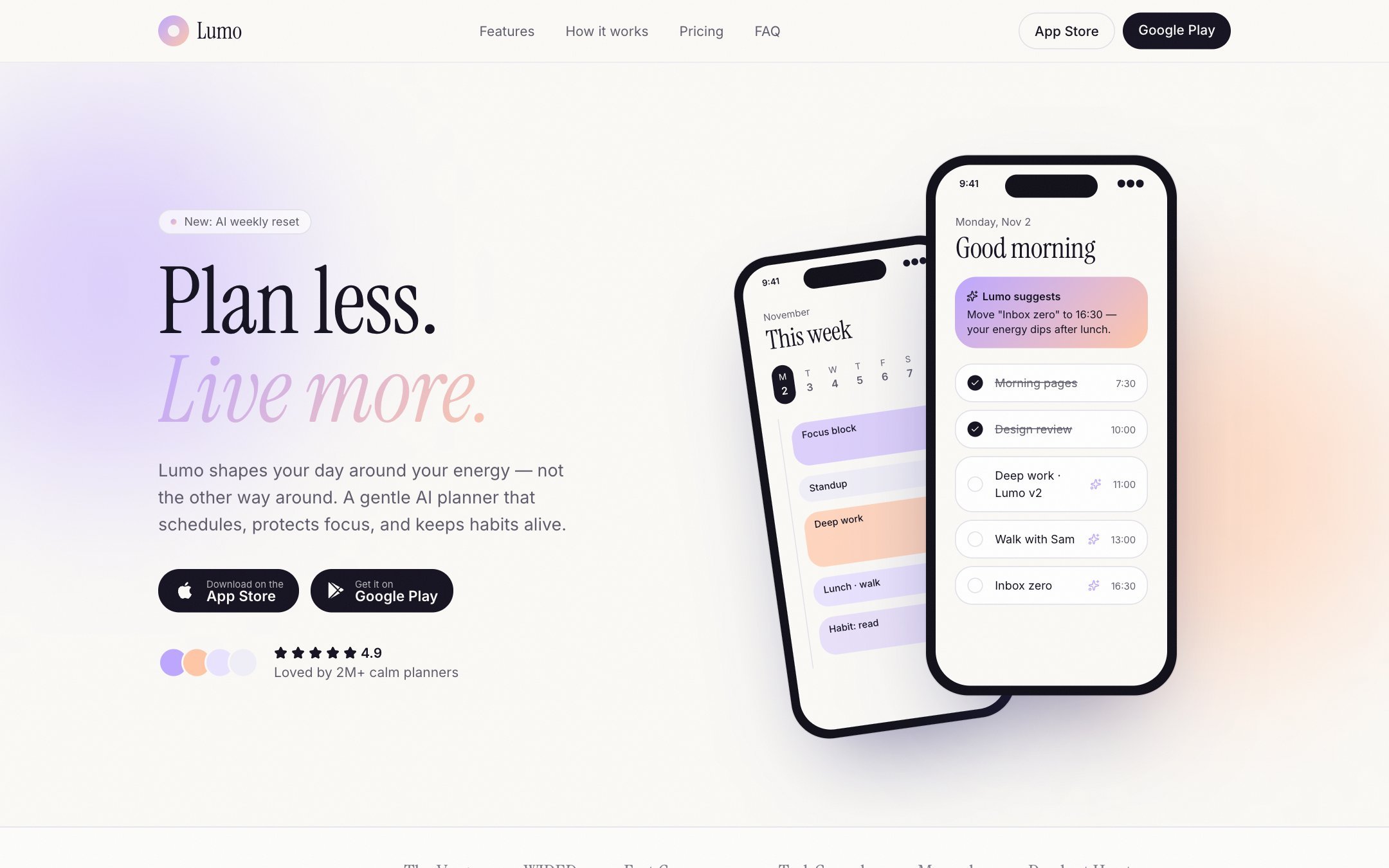
Lumo
From $59A calm, polished one-page WordPress theme for apps and SaaS products, with pricing plans, integrations and FAQs you edit in the admin.

Saffron & Sage
From $59A warm restaurant WordPress theme with real online ordering, customer accounts, table reservations and a live kitchen board.
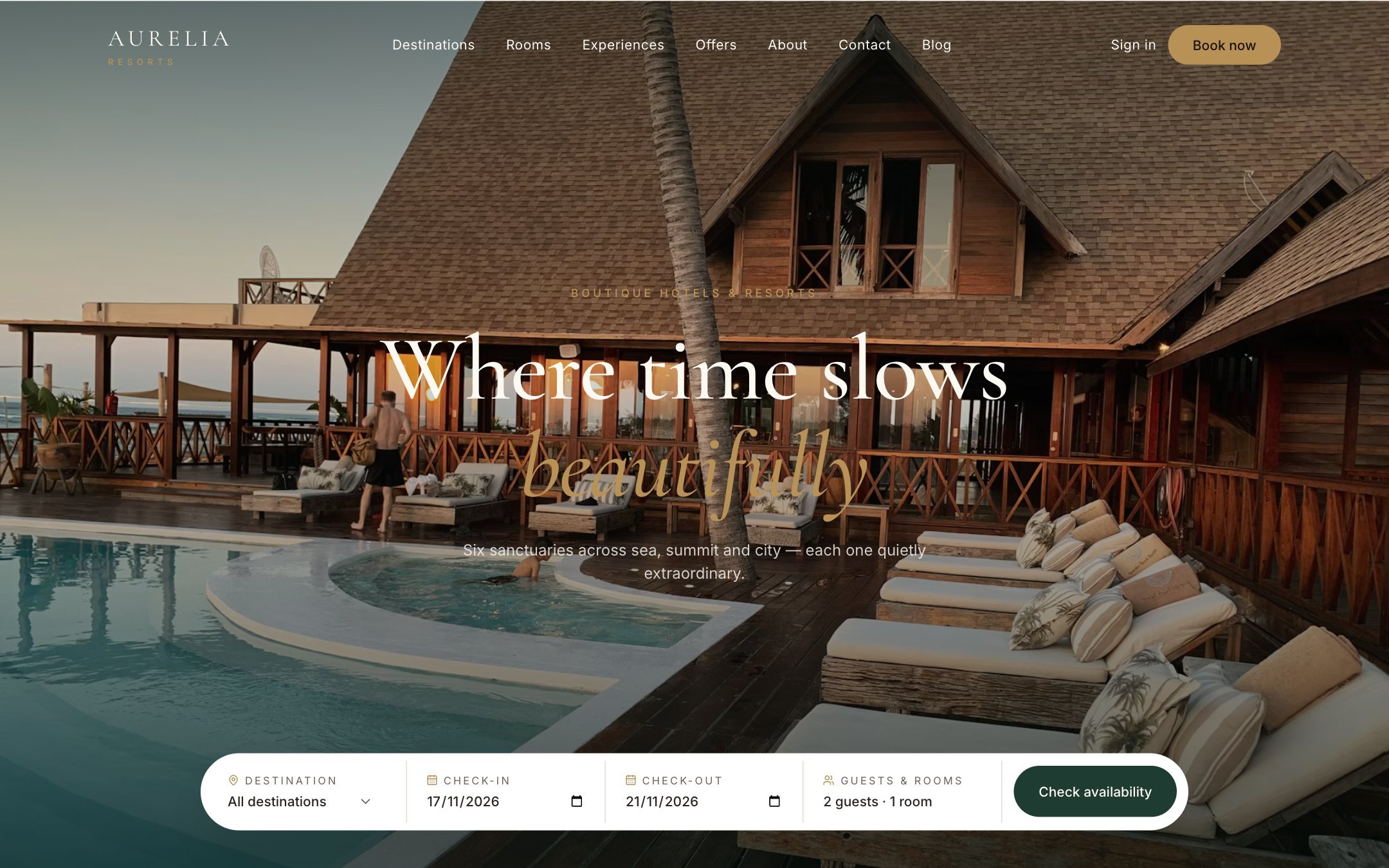
Aurelia
From $59An elegant luxury hotel and resort WordPress theme with room search, property pages and online reservations with Stripe.