


If your WooCommerce store is already running and you want to take more payment types, sell more per order or recover lost carts, this is a shortlist of 15 plugins grouped by the job they do. Pick one per gap rather than installing all of them. Every plugin here has a free version on WordPress.org, so start there and upgrade when you hit a limit.
Still setting up a new shop? Start with our guide to starter tools for a new WooCommerce store, then come back here.
Every plugin adds some load to your pages, so keep the list short. Our guide to optimizing WordPress theme performance explains how to measure what each one costs.
Payments
1. WooCommerce Stripe Payment Gateway
The official Stripe extension, built by the WooCommerce team. It takes cards, Apple Pay, Google Pay and Stripe's Link, plus buy-now-pay-later options (Klarna, Affirm, Afterpay/Clearpay) and local methods such as iDEAL, Bancontact and SEPA Direct Debit. Strong Customer Authentication is handled for European cards, and it works with WooCommerce Subscriptions for recurring payments. WordPress.org
2. WooCommerce PayPal Payments
Also built by WooCommerce, with PayPal. It adds PayPal, Pay Later, Venmo (US only) and card payments. PayPal buttons can sit on product pages and in the cart as well as at checkout, so a buyer can pay without filling in the full checkout form. WordPress.org
Sales and promotions
3. Smart Coupons for WooCommerce

WooCommerce's built-in coupons cover simple discounts. This plugin from WebToffee adds a BOGO (buy one, get one) module and free giveaway products in the free version, and lets you restrict a coupon by product, category, user role, customer email, country, shipping method or payment method. Store credit is a premium feature. WordPress.org
If store credit matters more to you than giveaways, look at Advanced Coupons for WooCommerce instead: its free version includes store credit balances and cart conditions (cart subtotal, quantity, user role), though BOGO is limited to one product per deal until you upgrade.
4. WPC Frequently Bought Together
Before installing anything, fill in the upsells and cross-sells WooCommerce already has: edit a product, open Product data > Linked Products, and add them there. When you want a "frequently bought together" box with a bundle discount, this plugin from WPClever adds one. You choose the extra products, set a percentage or fixed discount, and decide whether all items are ticked by default. Adding variable products as extras needs the premium version. WordPress.org
5. PW WooCommerce Gift Cards
Sell gift cards that arrive by email with the buyer's personal message. The free version uses fixed amounts you set, and the recipient applies the balance in the cart or at checkout. Custom amounts chosen by the buyer, a balance-check page and a fuller card designer are in the Pro version. WordPress.org
6. YITH WooCommerce Wishlist
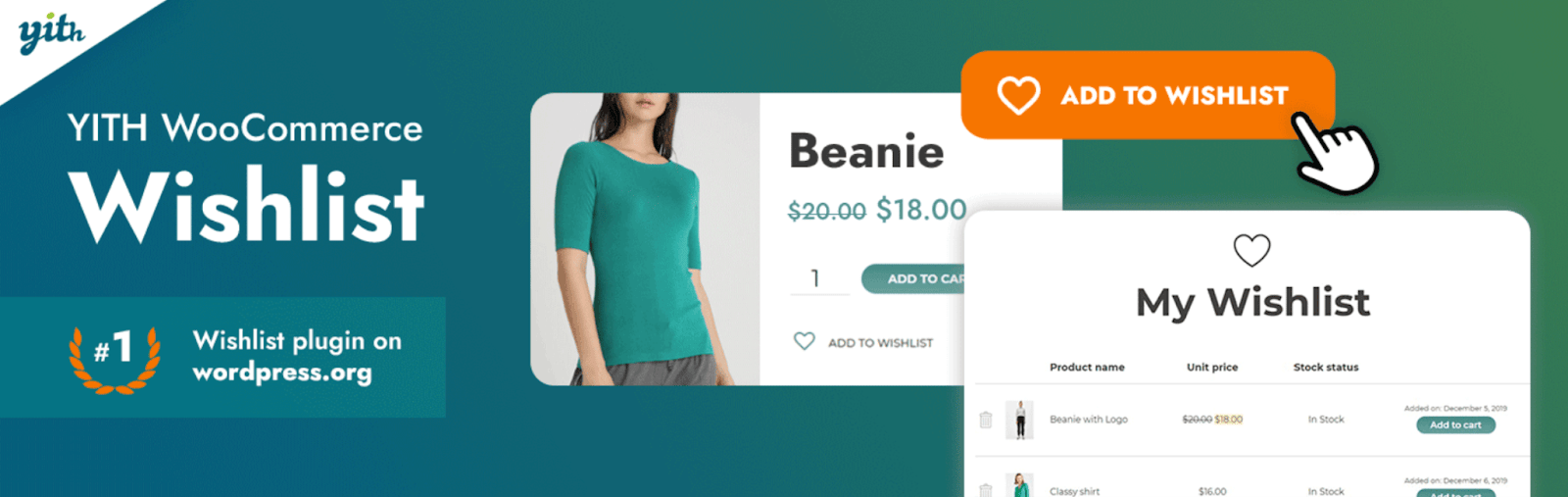
Customers save products for later and come back to them from their account, which helps around birthdays and holidays. The premium version lets customers choose who can see each wishlist. WordPress.org
Email and notifications
7. Mailchimp for WooCommerce

Syncs customers and orders to Mailchimp, so you can send follow-ups after a purchase, product recommendations and abandoned-cart emails. Customers who opt in when they create an account are added to your audience automatically. The plugin is free; Mailchimp's own plans apply. WordPress.org
8. MailPoet
If you'd rather keep email inside WordPress, MailPoet handles newsletters and WooCommerce automations: abandoned-cart emails, welcome emails, emails to people who bought a particular product, and a customiser for WooCommerce's own order emails. The free version covers up to 1,000 subscribers, with MailPoet branding, and you send through your host or a service such as Amazon SES or SendGrid. WordPress.org
9. PushEngage
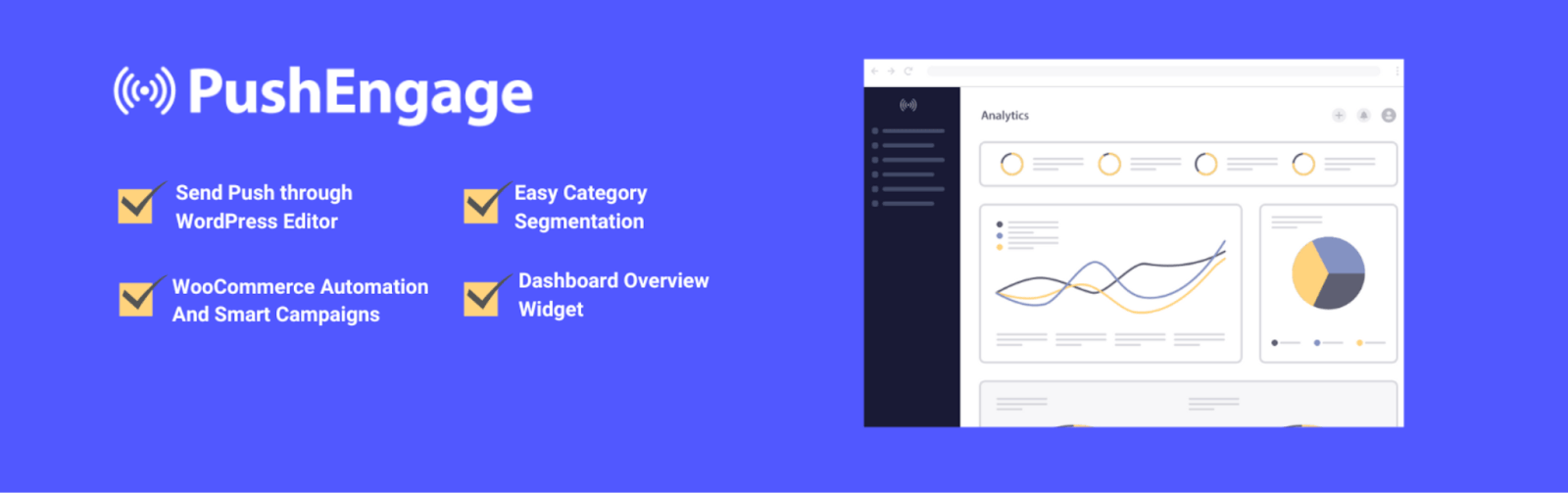
Browser push notifications. Visitors opt in from your site, and you can send them campaigns and segmented messages. The WooCommerce alerts (abandoned cart, back in stock, price drop) need a paid plan. If you only want to push new products or posts, OneSignal has a free plan for up to 10,000 subscribers but no WooCommerce-specific alerts. WordPress.org
Checkout and trust
10. Checkout Field Editor (Checkout Manager)
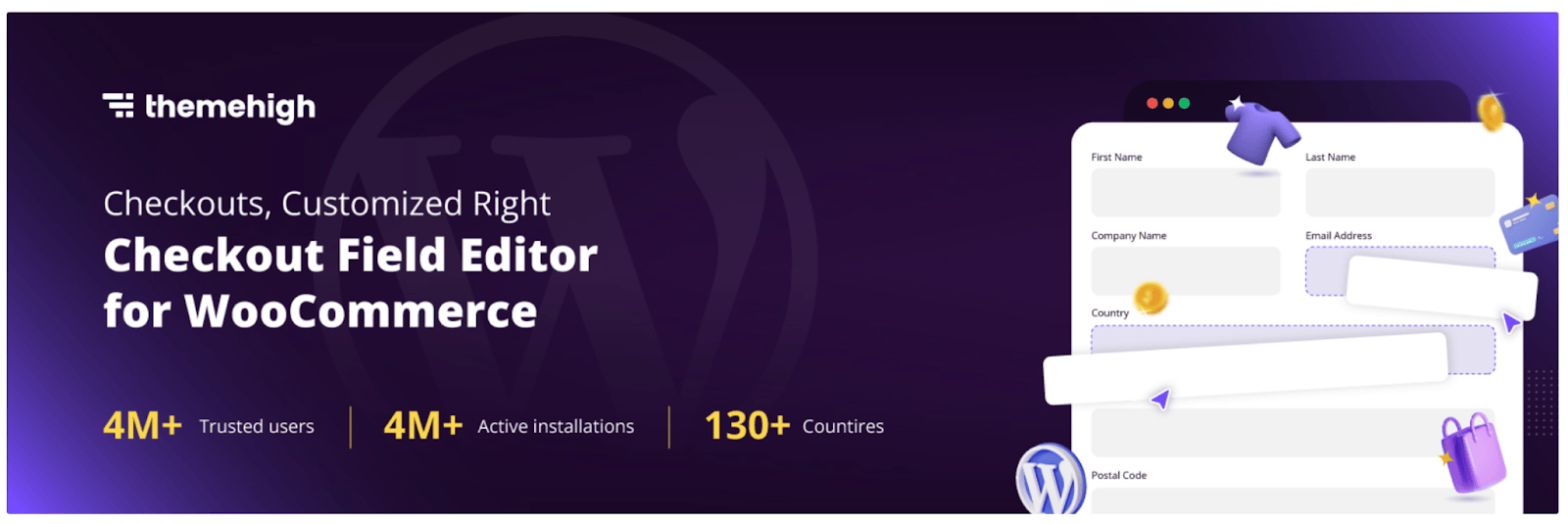
Add, edit or remove checkout fields, with validation rules. The free version offers 20 field types on the classic checkout and 10 on the newer block checkout, so check which checkout your theme uses. Removing fields you don't need, such as "Company name" for a consumer shop, is one of the quickest ways to make checkout shorter. WordPress.org
11. Customer Reviews for WooCommerce

Sends review reminders by email after purchase, accepts photos with reviews, lets shoppers vote on helpful ones, and adds a Q&A tab to product pages. You can offer a discount in return for a review, but check the rules first: Google's review policies and consumer law in some countries restrict reviews given in return for a reward. WordPress.org
12. WPForms
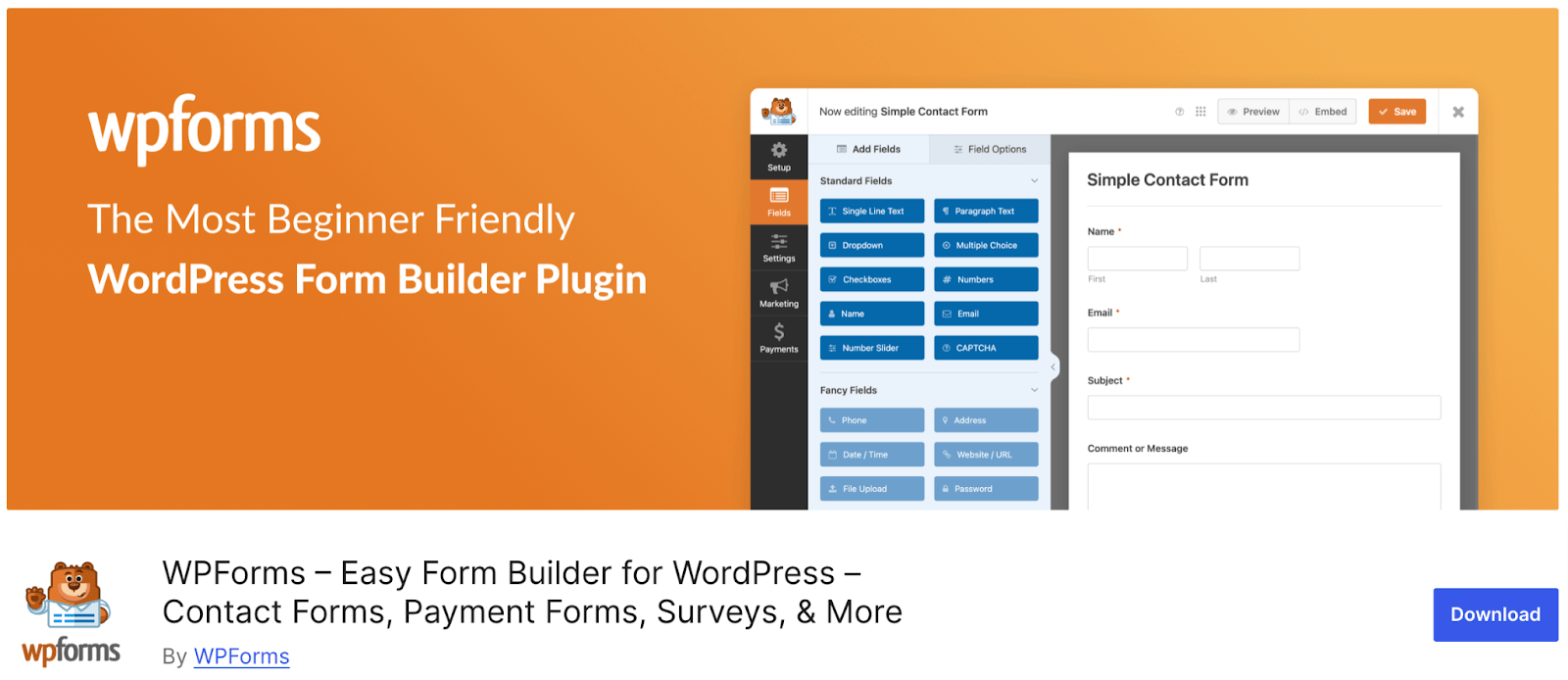
A drag-and-drop form builder for contact, feedback, survey and order forms, with a large template library. The free version can take Stripe payments, which is handy for one-off payments that don't need a full product page. Paid plans add more payment integrations. WordPress.org
Privacy compliance
13. CookieYes
Shows a cookie banner, blocks non-essential cookies until the visitor agrees, and scans your site to find and sort the cookies it sets. Google Consent Mode v2 is in the free version, which lets Google Ads and Analytics respect each visitor's choice. IAB TCF support needs a paid plan. This is the plugin that used to be called GDPR Cookie Consent. Installing a banner doesn't make a site compliant on its own: you still need an accurate cookie notice. WordPress.org
Complianz is the main alternative, also with more than a million installs. Its free version scans for cookies and blocks third-party scripts until the visitor consents.
Search and shopping visibility
14. All in One SEO
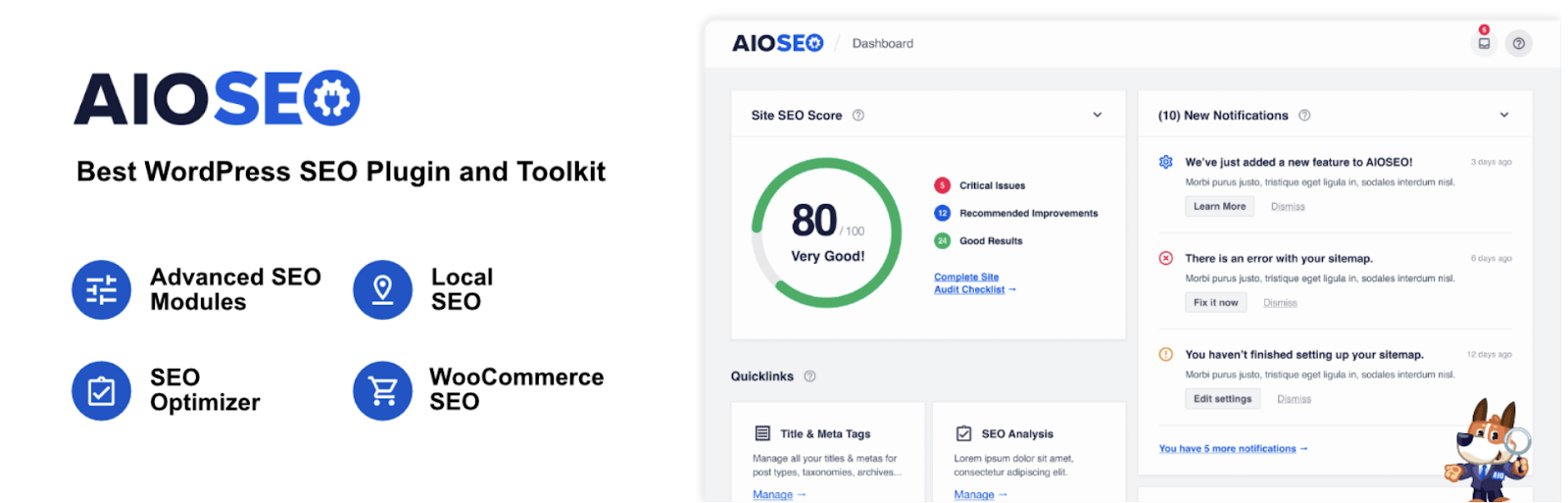
Sets titles, meta descriptions and schema markup, suggests internal links, and keeps SEO revisions you can roll back. The setup wizard covers the basics in a few minutes. WordPress.org. Yoast SEO and Rank Math do the same core job; if one is already installed, there's no reason to switch. For how to plan those links, see our guide to internal links for SEO.
15. Product Feed PRO for WooCommerce
Builds product feeds for Google Shopping, Facebook, TikTok, Pinterest, Bing and many other channels, in XML, CSV, TXT or TSV. You set filters and rules per channel, for example to leave out products that are out of stock or on sale, and the free version has no limit on the number of products or feeds. Made by AdTribes. WordPress.org
Where to start
For most stores, install in this order: a second payment method (Stripe if you only have PayPal, or the other way round), the checkout field editor to shorten checkout, and a cookie banner if you sell to the EU or UK. Add marketing plugins once you have steady traffic to work with. For ways to build that traffic, see 9 ways to get more leads for your WooCommerce store.

Written by
The people behind Wow Themes
The Wow Themes team builds and supports WordPress themes and plugins, plus Vue and React templates. On the blog we write about building, running and securing websites: WordPress and WooCommerce, JavaScript, performance and the tools we use day to day.



Comments
No comments yet.
Comments are closed on this post.