


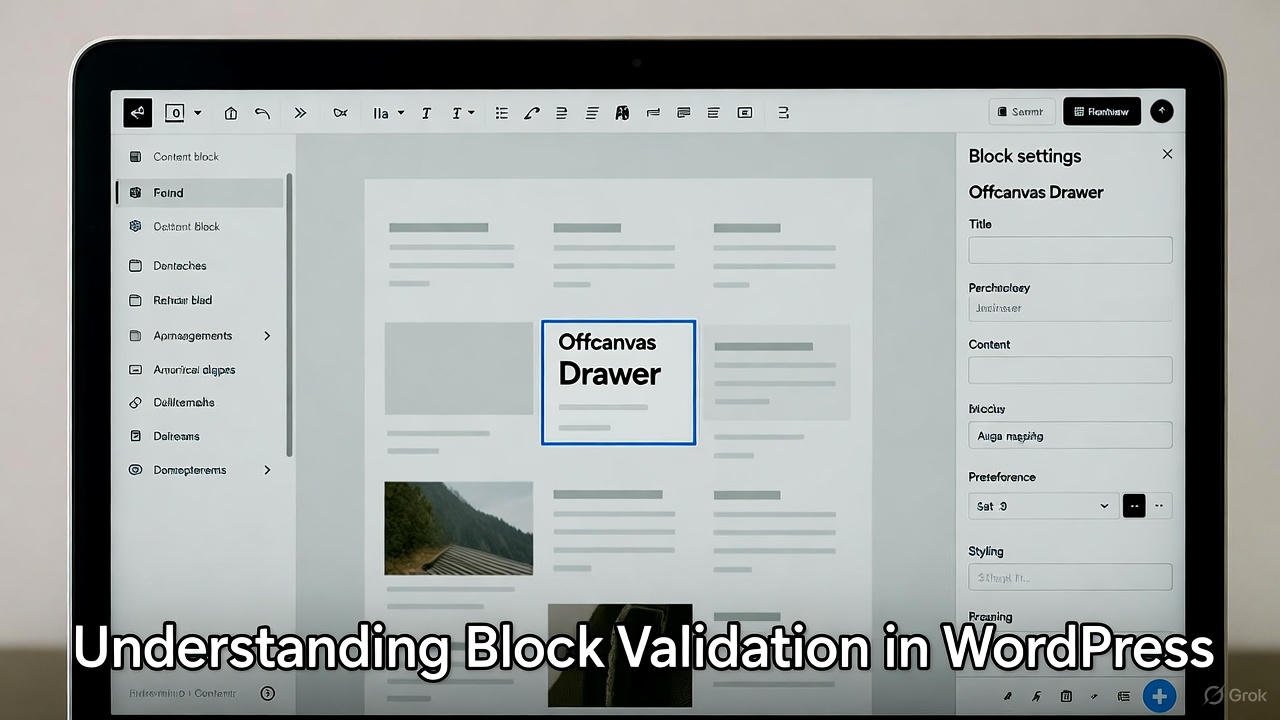
If you're building a custom Gutenberg block and the editor suddenly says "This block contains unexpected or invalid content", this post explains why it happens and how to add dynamic classes and conditional markup without triggering it.
For new block developers the error is confusing. You change something small, like adding a wrapper <div> or setting a CSS class from an attribute, and every existing block on the page breaks. I'll use a real example to show what's going on: an offcanvas drawer block whose handle can be a button or an image, and which opens from the left, top, right or bottom.
The goal
- A custom offcanvas drawer block in the block editor.
- The user chooses where the drawer opens from:
left,right,toporbottom. - The handle is either a button or an image.
- The drawer content accepts nested (inner) blocks.
Simple on paper. The trouble is all in the validation logic.
How block validation actually works
A static block stores its HTML in the post content. When the editor opens that post, WordPress takes the block's saved attributes, runs your save() function again, and compares the result with the HTML stored in the database.
If they don't match, the editor can't be sure it understands the markup, so it marks the block as invalid instead of silently overwriting it. The Block Editor Handbook's section on validation has the details.
That's why the error usually shows up when:
- you change
save()after posts were already saved with the old markup, save()outputs something that differs between runs for the same attributes, orsave()renders a component from@wordpress/components, which is built for the editor UI, not for saved markup.
edit() is never part of the comparison. It only controls what you see while editing.
The problem in our example
The block attributes:
"attributes": {
  "handleType": { "type": "string", "default": "button" },
  "handleImage": { "type": "object", "default": null },
  "handleText": { "type": "string", "default": "Open Drawer" },
  "placement": { "type": "string", "default": "right" }
}
We tried to render the handle like this:
<Button className="offcanvas-drawer-handle">
  <img src={attributes.handleImage.url} alt="" />
</Button>
The moment that <Button> went in, existing drawer blocks became invalid.
Why it happens
- The saved markup changed.
<Button>from@wordpress/componentsis an editor UI component. The HTML it produces (its classes and attributes) isn't the plain<button>your existing content was saved with, so the regeneratedsave()output no longer matches what's in the database. - Classes were added by hand. Editing the class string directly, like
blockProps.className = `${blockProps.className} offcanvas-drawer-${attributes.placement}`;, bypasses the class merging WordPress does for you (custom class names, alignment, block supports). The classes in the editor and in the saved HTML drift apart.
The right way to add dynamic classes
Pass your classes to useBlockProps() and let WordPress merge them with its own:
const blockProps = useBlockProps({
  className: `offcanvas-drawer offcanvas-drawer-${attributes.placement}`,
});
And the same in save.js:
const blockProps = useBlockProps.save({
  className: `offcanvas-drawer offcanvas-drawer-${attributes.placement}`,
});
The class depends only on an attribute, so save() returns the same HTML every time for the same block.
The right way to render the handle
Use <Button> in the editor if you like, but write plain HTML in save(). Components from @wordpress/components aren't loaded on the front end.
Editor (edit.js):
<Button className="offcanvas-drawer-handle" variant="primary">
  {attributes.handleType === 'image' && attributes.handleImage ? (
    <img src={attributes.handleImage.url} alt="" />
  ) : (
    attributes.handleText
  )}
</Button>
Front end (save.js):
<button className="offcanvas-drawer-handle">
  {attributes.handleType === 'image' && attributes.handleImage ? (
    <img src={attributes.handleImage.url} alt="" />
  ) : (
    attributes.handleText
  )}
</button>
The editor gets a styled button; the saved HTML stays plain and predictable.
One accessibility fix while you're here: when the image is the only content of the handle, alt="" leaves screen-reader users with an unlabelled button. Use the image's own alt text (handleImage.alt) or add an aria-label to the <button>.
Changing save() without breaking old posts
If posts were already published with the old markup, any change to save() flags every one of them. Keep the old version in deprecated so WordPress can recognise and migrate it:
registerBlockType( metadata.name, {
  edit: Edit,
  save,
  deprecated: [
    {
      attributes: metadata.attributes,
      save: oldSave, // your previous save() function, unchanged
    },
  ],
} );
When stored markup matches oldSave, the editor loads the block without an error and saves it with the new save() the next time the post is updated.
Should the handle be inside the same wrapper?
That's a design decision.
For a simple drawer, keeping the handle inside the same wrapper <div> is fine. Position it absolutely:
.offcanvas-drawer-handle {
  position: absolute;
  top: 50%;
  right: -20px;
}
If you ever need the handle outside the drawer, say in a header or another column, make it a separate <OffcanvasHandle /> block that points at the drawer by id.
For most sites, one self-contained block is simpler and works well.
Full working example
edit.js
import { __ } from '@wordpress/i18n';
import { useBlockProps, InnerBlocks, InspectorControls, MediaUpload } from '@wordpress/block-editor';
import { PanelBody, ToggleGroupControl, ToggleGroupControlOption, Button, TextControl } from '@wordpress/components';

export default function Edit({ attributes, setAttributes }) {
  const { handleType, handleImage, handleText, placement } = attributes;

  const blockProps = useBlockProps({
    className: `offcanvas-drawer offcanvas-drawer-${placement}`,
  });

  return (
    <>
      <InspectorControls>
        <PanelBody title={__("General Settings", "wow-themes")}>
          <ToggleGroupControl
            label="Placement"
            value={placement}
            onChange={(value) => setAttributes({ placement: value })}
          >
            <ToggleGroupControlOption value="left" label="Left" />
            <ToggleGroupControlOption value="top" label="Top" />
            <ToggleGroupControlOption value="right" label="Right" />
            <ToggleGroupControlOption value="bottom" label="Bottom" />
          </ToggleGroupControl>

          <ToggleGroupControl
            label="Handle Type"
            value={handleType}
            onChange={(value) => setAttributes({ handleType: value })}
          >
            <ToggleGroupControlOption value="button" label="Button" />
            <ToggleGroupControlOption value="image" label="Image" />
          </ToggleGroupControl>

          {handleType === 'button' && (
            <TextControl
              label="Handle Text"
              value={handleText}
              onChange={(value) => setAttributes({ handleText: value })}
            />
          )}

          {handleType === 'image' && (
            <MediaUpload
              onSelect={(value) => setAttributes({ handleImage: value })}
              allowedTypes={["image"]}
              render={({ open }) => (
                <Button onClick={open} variant="primary">
                  {handleImage ? "Replace Image" : "Upload Image"}
                </Button>
              )}
            />
          )}
        </PanelBody>
      </InspectorControls>

      <div {...blockProps}>
        <InnerBlocks />
        <Button className="offcanvas-drawer-handle" variant="primary">
          {handleType === 'image' && handleImage ? (
            <img src={handleImage.url} alt="" className="offcanvas-drawer-handle-image" />
          ) : (
            handleText
          )}
        </Button>
      </div>
    </>
  );
}
MediaUpload is imported from @wordpress/block-editor, where current WordPress versions export it. The original version of this example imported it from @wordpress/components, which doesn't export it.
If your build reports that ToggleGroupControl isn't exported, your version of @wordpress/components is older and still exports it as __experimentalToggleGroupControl (with __experimentalToggleGroupControlOption). Import those names instead.
save.js
import { useBlockProps, InnerBlocks } from '@wordpress/block-editor';

export default function save({ attributes }) {
  const { handleType, handleImage, handleText, placement } = attributes;

  const blockProps = useBlockProps.save({
    className: `offcanvas-drawer offcanvas-drawer-${placement}`,
  });

  return (
    <div {...blockProps}>
      <InnerBlocks.Content />
      <button className="offcanvas-drawer-handle">
        {handleType === 'image' && handleImage ? (
          <img src={handleImage.url} alt="" className="offcanvas-drawer-handle-image" />
        ) : (
          handleText
        )}
      </button>
    </div>
  );
}
Can you still use the "checkbox trick" for a CSS-only toggle?
Technically, yes:
<input type="checkbox" id="drawer-toggle" />
<label for="drawer-toggle">Open Drawer</label>
<div class="drawer"> ... </div>
I don't recommend it inside a block. In the editor, React re-renders can reset the checkbox, and on the front end the checkbox hack is awkward for keyboard and screen-reader users. Use useState in the editor, and a small front-end script or the Interactivity API to open and close the drawer.
Key takeaways
- WordPress re-runs
save()and compares it with the stored HTML, so keepsave()output identical for the same attributes. - Add dynamic classes through
useBlockProps()anduseBlockProps.save(), never by editingclassNameby hand. - Use
@wordpress/components(like<Button>) inedit()only. Write plain HTML insave(). - If you change
save()after launch, add the old version todeprecated. - One block for handle and drawer is fine for simple cases; split them for advanced layouts.
Wrapping up
Building an offcanvas drawer in plain HTML and CSS takes twenty minutes. Building it as a reusable block that works in the editor, holds nested blocks and survives later markup changes means understanding how validation works. Once you do, the error stops being a mystery.
Stuck on a block of your own? Get in touch. I enjoy working through modern WordPress development problems.
More on WordPress development: design patterns in WordPress plugins, and the PHP testing and profiling tools worth adding to your plugin workflow.

Written by
The people behind Wow Themes
The Wow Themes team builds and supports WordPress themes and plugins, plus Vue and React templates. On the blog we write about building, running and securing websites: WordPress and WooCommerce, JavaScript, performance and the tools we use day to day.


Comments
No comments yet.
Comments are closed on this post.